Your two options
Snapchat Ads MCP options
| Snap Ads MCP | Whathead MCP server | |
|---|---|---|
| Hosting | Hosted by Snap at mcp.snapchat.com/ads | Hosted by Whathead at whathead.com/mcp |
| Reads | Account, campaign and performance data | Accounts, campaigns, ad squads, ads, audiences, pixels; campaign, ad squad and ad stats |
| Writes | None today; Snap says write access will come later | Campaigns, ad squads, ads, creatives, media uploads, lead forms |
| Change control | Read-only | Dry run by default; confirmation for live and destructive calls; call log |
| Access | An Admin or Business Admin approves each agent; each member then authorizes | Snapchat connected once in Whathead; connectors can be limited to accounts and actions |
| Clients | Claude (web, desktop, Code), ChatGPT, Codex, Antigravity, Gemini CLI | Claude, ChatGPT, Cursor, n8n and other MCP clients |
| Other platforms | Snapchat only | Meta, Google Ads, TikTok and 8 more |
| Price | No price listed | MCP Actions $39/month; 14-day trial |
If you only need Claude to answer questions about Snapchat performance, Snap’s server is first-party and a good start. If you want Claude to build or change campaigns, or to compare Snapchat with Meta and TikTok in one answer, you need a read-write server.
Before you start
- A Snapchat Business account with access to the ad account. To let Claude make changes, your role must allow editing campaigns.
- A Whathead plan with MCP access: MCP Actions, Operator Bundle or Agency; the 14-day trial works. See pricing.
- A Claude plan with custom connectors. Free allows one custom connector; Pro, Max, Team and Enterprise allow more. On Team plans only owners can add connectors.
Step by step: connect Claude to Snapchat Ads
Connect Claude to Snapchat Ads with Whathead
Connect a Snapchat ad account to Claude through the Whathead MCP server.
- 01
Connect Snapchat in Whathead
Sign in at whathead.com, open Integrations, choose Snapchat and sign in with your Snapchat Business account. Pick the ad accounts the workspace may use.
- 02
Limit the connector (optional)
On the MCP page in Whathead, restrict which platforms, ad accounts or actions the connector can use. Leave it open for full workspace access.
- 03
Add Whathead to Claude
In Claude, open Customize > Connectors, click + Add, then Add custom connector. Name it Whathead and enter https://www.whathead.com/mcp as the server URL, then click Continue and Add.
- 04
Sign in and approve
Sign in with your Whathead account and approve the access popup. On Team and Enterprise plans, an owner adds the connector under Organization settings > Connectors and each member clicks Connect.
- 05
Turn it on in a chat
Click + in the message box, choose Connectors and switch Whathead on.
- 06
Run a read-only test
Ask: “List my Snapchat ad accounts and show spend, impressions and swipe-ups by campaign for the last 7 days.” Claude asks permission the first time it calls each tool.
ChatGPT works the same way: open Plugins, choose Add custom MCP server, paste the same URL and sign in. Current steps for every client are in the Whathead connection guide.
Using Snap’s own Ads MCP instead
To connect Snap’s read-only server, add a custom connector in Claude with the URL https://mcp.snapchat.com/ads. An Admin or Business Admin in your Snapchat organization approves the agent once; each member then authorizes their own access, and the agent gets no more permissions than that member already has.
Prompts that work
Reporting
- “Compare last week with the week before for each Snapchat campaign: spend, impressions, swipe-ups, conversions and cost per conversion.”
- “Which ad squads have spent more than $200 this month with no purchases?”
- “Show the top five Snapchat ads by swipe-up rate this month, with their creative names.”
Audits
- “List active ad squads with no Snap Pixel or conversion event set.”
- “Find ads whose landing page URL is missing utm_source or utm_campaign.”
- “Which campaigns end in the next 7 days?”
Changes, with a preview first
- “Pause the three ad squads with the highest cost per purchase this week. Show me the preview and wait for my confirmation.”
- “Create a paused Snapchat campaign called Winter Sale with one ad squad targeting Saudi Arabia, ages 18–34, and a $50 daily budget. Use video Winter_15s from my media library. Preview first.”
- “Copy my Meta campaign Winter Sale to Snapchat as a draft and list the fields I need to fill in.”
What happens when Claude makes a change
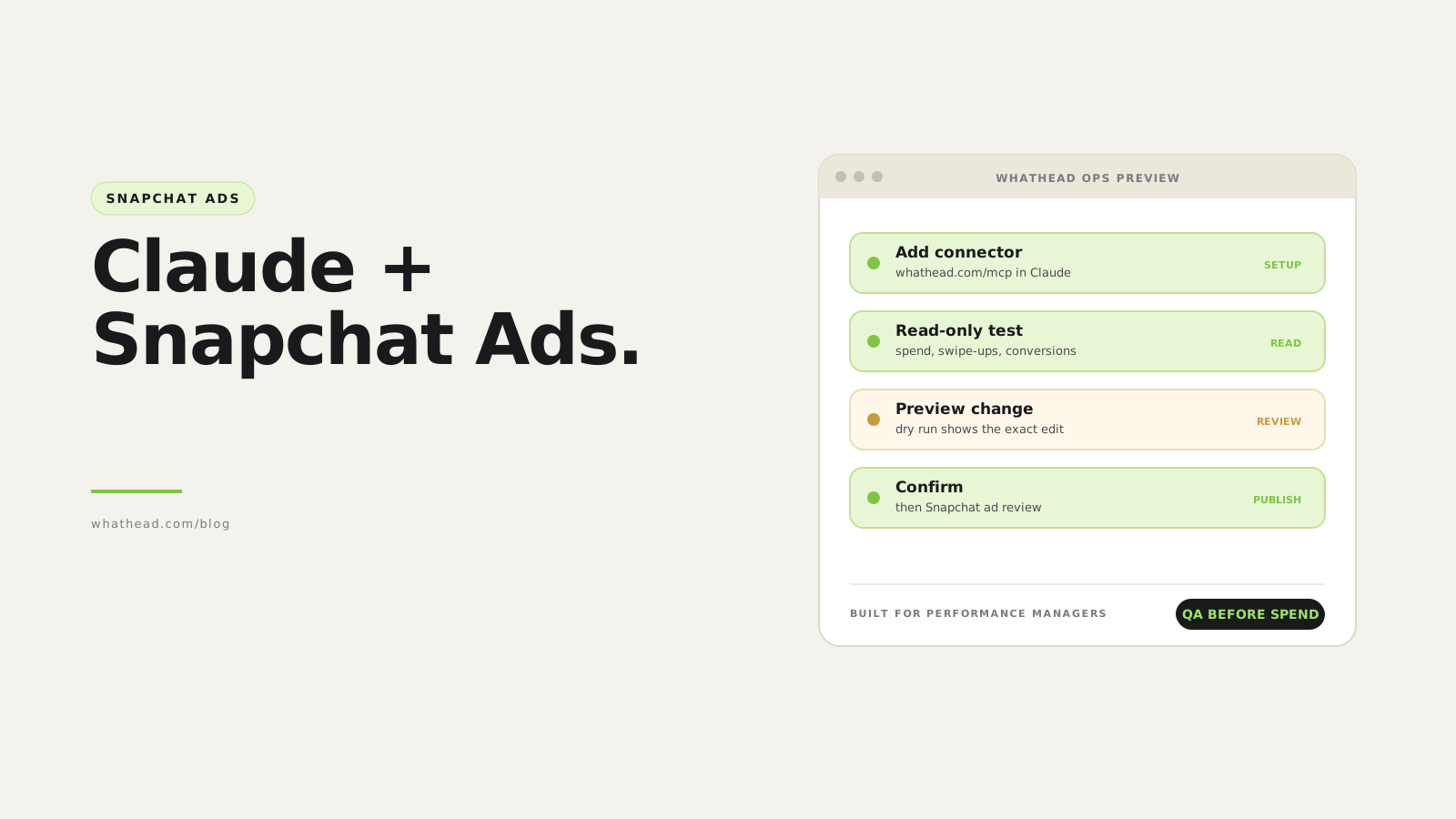
- Preview. Write tools run as a dry run first and return the exact change: which entities, which fields, old and new values.
- Confirm. You reply to confirm. Live and destructive actions are refused without an explicit confirmation.
- Publish. Whathead sends the change to the Snapchat Marketing API and logs the call in your workspace.
- Snapchat review. New ads still go through Snapchat’s ad review before they deliver.
Limits to know
- Snapchat’s rules still apply. Ad review, minimum budgets, objective and placement rules, and account roles are enforced by Snapchat, not by Claude.
- Large videos take longer. Big files upload in chunks, so allow a few minutes before the creative is ready to attach.
- Numbers are Snapchat’s view. Conversions use Snapchat’s attribution windows and won’t match GA4 or your MMP exactly.
- Be specific with large accounts. Name the date range, the fields and the level (campaign, ad squad or ad) so answers stay accurate and fast.
- Claude can make mistakes. Ask for the list of affected entities before any change, and never approve write tools with “Allow always”.
Claude and Snapchat Ads: common questions
Can Claude manage Snapchat ads?
Yes, through a read-write MCP server such as Whathead: it can create campaigns, ad squads and ads, upload media and change budgets or status after you confirm a preview. Snap’s own Ads MCP is read-only today.
Is there an official Snapchat Ads MCP?
Yes. Snap launched its Ads MCP at mcp.snapchat.com/ads in August 2026. It is read-only; Snap says write access will come in a later release.
Does this work with ChatGPT?
Yes. Both Snap’s server and Whathead support ChatGPT. In ChatGPT, add the server under Plugins and enable it in the conversation.
Do I need a Snapchat developer app?
No. Whathead connects Snapchat with OAuth from its Integrations page, and Snap’s server uses an admin approval flow instead of a developer app.
How much does it cost?
Snap lists no price for its server. Whathead’s MCP Actions plan is $39 a month with a 14-day trial; Snapchat ad spend is billed by Snapchat as usual.
Sources
- Snap: Snapchat Ads MCP announcement, Ads MCP developer docs
- Claude: custom connectors with remote MCP; ChatGPT: custom MCP servers
- Other Snapchat MCP servers with writes: Pipeboard, Markifact, AdManage
- Whathead: connection guide, MCP server, pricing
Written by Ahmed Shahin, founder of Whathead. Last reviewed 18 November 2026.